

A company with 5, 20, 50, or 100 remote employees might not need dedicated office space for the entire team. However, providing workspace for remote employees can still solve a problem your team faces: having important work to do and nowhere suitable to do it.
Your employees may love working remotely. They may also need somewhere other than home to concentrate, handle a private conversation, or meet a colleague.
Giving them that option keeps the flexibility your company values while addressing the conditions that can make a workday harder than it needs to be.
A Remote Policy Does Not Create A Quiet Room
When you hire someone remotely, you provide the tools they need to do the job: a laptop, phone, monitor, software, and more. Their working environment deserves the same consideration.
A laptop cannot create privacy in a shared apartment. Headphones cannot give two people separate rooms when both have calls. Another productivity app cannot remove the noise of construction outside an employee’s window.
Even a home setup that usually works can fall short on a particular day. A presentation needs concentrated preparation. A difficult client conversation needs a closed door. Meanwhile, a deadline keeps approaching whether the environment cooperates or not.
Those are practical problems with practical solutions. Access to a professional workspace gives employees somewhere to go when home cannot support the work in front of them.
Give People Control Over Where They Work
Remote work creates an opportunity to choose a useful working environment. Employees need realistic options to exercise that choice.
For some, home is the right setting most days. Others benefit from a regular place nearby where they can begin work, stay focused, and leave when the day is finished.
Offering workspace for remote employees allows both approaches. Someone can use a Day Pass before a demanding deadline without changing their entire routine. Another employee may need a private office more consistently.
Our guide to separating work from home explains how a physical boundary can help people establish a clearer end to their workday.
For employers, that makes workspace access a useful part of supporting a remote team. You are giving people another way to manage the demands of the role.
Support Flexibility With Practical Resources
There is evidence that flexibility can work well for employers and employees. A 2024 study published in Nature followed 1,612 employees at Trip.com. A hybrid schedule with two days at home reduced resignations by one-third without damaging measured performance.
The referenced study examined hybrid work at just one company. It did not test neighborhood workspace access. Still, it offers a useful reason to avoid assuming that effective work requires everyone to follow the same office routine.
For your company, the more useful question is where employees encounter friction in their workday. Ask what gets in the way when they need to focus, collaborate, take an important call, or complete demanding work during the hours they have available. Then provide practical support that addresses those needs.
Choose Workspace For Remote Employees By Task
The right workspace for remote employees depends on what they need to accomplish.
A focused individual workday may call for a Day Pass. An employee who needs a closed door for extended calls may benefit from an hourly private office. For someone who needs a dedicated base, a monthly private office may be worth exploring.
At Brick & Mortar, those options serve different purposes. Shared workspace supports focused individual work away from home, while private offices provide a more private setting for everything from concentrated solo work and sensitive calls to meetings and collaboration among members of a distributed team.
Choose the arrangement around the employee’s responsibilities. Someone preparing a report and someone handling back-to-back client conversations may need different spaces, even when they work for the same company.
This also helps you make a useful purchasing decision. Identify the problem first, then choose the access that addresses it.
Give Meetings A Place Of Their Own
A remote company may also need somewhere for people to work together occasionally.
Consider onboarding a new colleague, planning the next quarter, or meeting a client. A suitable room gives those conversations shared attention without requiring the business to maintain a permanent headquarters.
Brick & Mortar’s meeting spaces provide professional settings for smaller team gatherings and client conversations. Choose a room that fits the group and purpose, then plan the session around what you need to accomplish.
For a distributed company with 100 employees, this could mean gathering a small regional team rather than bringing everyone into one location. A five-person business might simply need somewhere to meet a client next week.
Our article on preparing for an important meeting explains why the setting deserves attention before the conversation begins.
Keep The Home Court Advantage
Supporting workspace for remote employees does not have to mean sending them on a long commute.
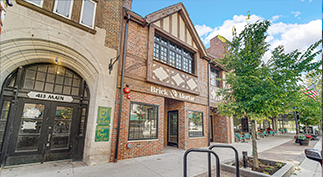
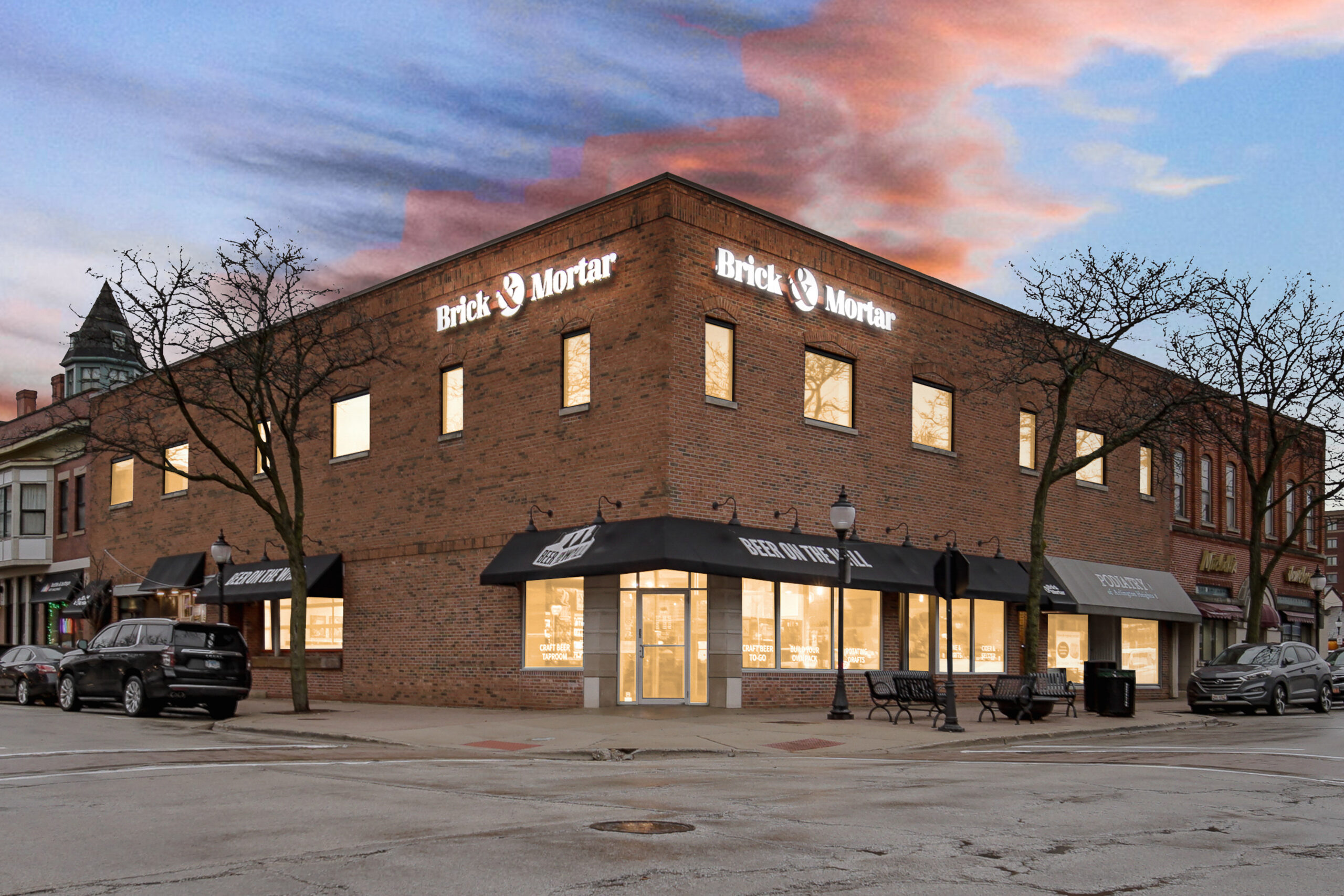
Brick & Mortar has neighborhood locations in Park Ridge, Deerfield, Glen Ellyn, Libertyville, and Arlington Heights. For employees living nearby, that creates a convenient workspace option close to home and the routines they already have outside of work.
We think of this as the home court advantage. People can step into a professional environment built for productivity while still staying close to home, local businesses, and the rest of their lives outside of work.
For employers with team members in these neighborhoods, proximity makes the option more practical to use. The best workspace benefit is one employees can turn to when they need it, giving them a professional place to focus, connect, and get important work done when their usual setup falls short.
Start With A Simple Workspace Policy
You can begin with a small pilot. Ask employees who would use local workspace access, which tasks they would use it for, and how often.
Next, establish a budget and a straightforward approval or reimbursement process. Explain which purchases are covered, how employees book, and how your company’s privacy and information security requirements apply outside the home.
After a few weeks, review usage and feedback. Did people find it easier to prepare for meetings or protect time for demanding tasks? Was the location convenient? Adjust the arrangement around the answers.
Your company may not need a permanent office for the entire team. Your employees can still need a better place to work on a particular day—somewhere to focus without the distractions of home.
Brick & Mortar helps people take back control of that day with focused workspace, private offices, and professional meeting rooms close to home.
Explore our locations, reserve a meeting space, or book your space.