

A remote interview may happen from behind a laptop, but it still deserves the same preparation as walking into an employer’s office. The best remote interview tips are not about creating a perfect backdrop or memorizing every possible answer. They are about removing distractions, getting comfortable with the technology, preparing what you want to say, and choosing an environment that lets you genuinely focus on the conversation at hand.
Because when the interview starts, the last thing you want to be thinking about is your Wi-Fi.
Or the dog barking.
Or whether someone is about to walk into the room behind you.
Here’s how to set yourself up for success before your next virtual interview.
1. Choose Your Interview Location First
Before deciding what to wear or practicing your answers, figure out where you are actually going to take the interview.
The Harvard Mignone Center for Career Success recommends having privacy, a quiet space, a good connection, and an appropriate background for a virtual interview. Indeed similarly recommends a quiet, private, well-lit environment with reliable internet and minimal interruptions.
That sounds obvious until you start looking around your house.
Maybe the home office is also where your spouse works.
Maybe the kids get home at 3:00.
Maybe your dog reacts to every delivery truck.
Maybe the Wi-Fi works perfectly until someone else starts streaming.
Or maybe you simply do not have a room that feels appropriate for an important professional conversation.
You have options.
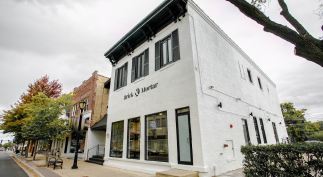
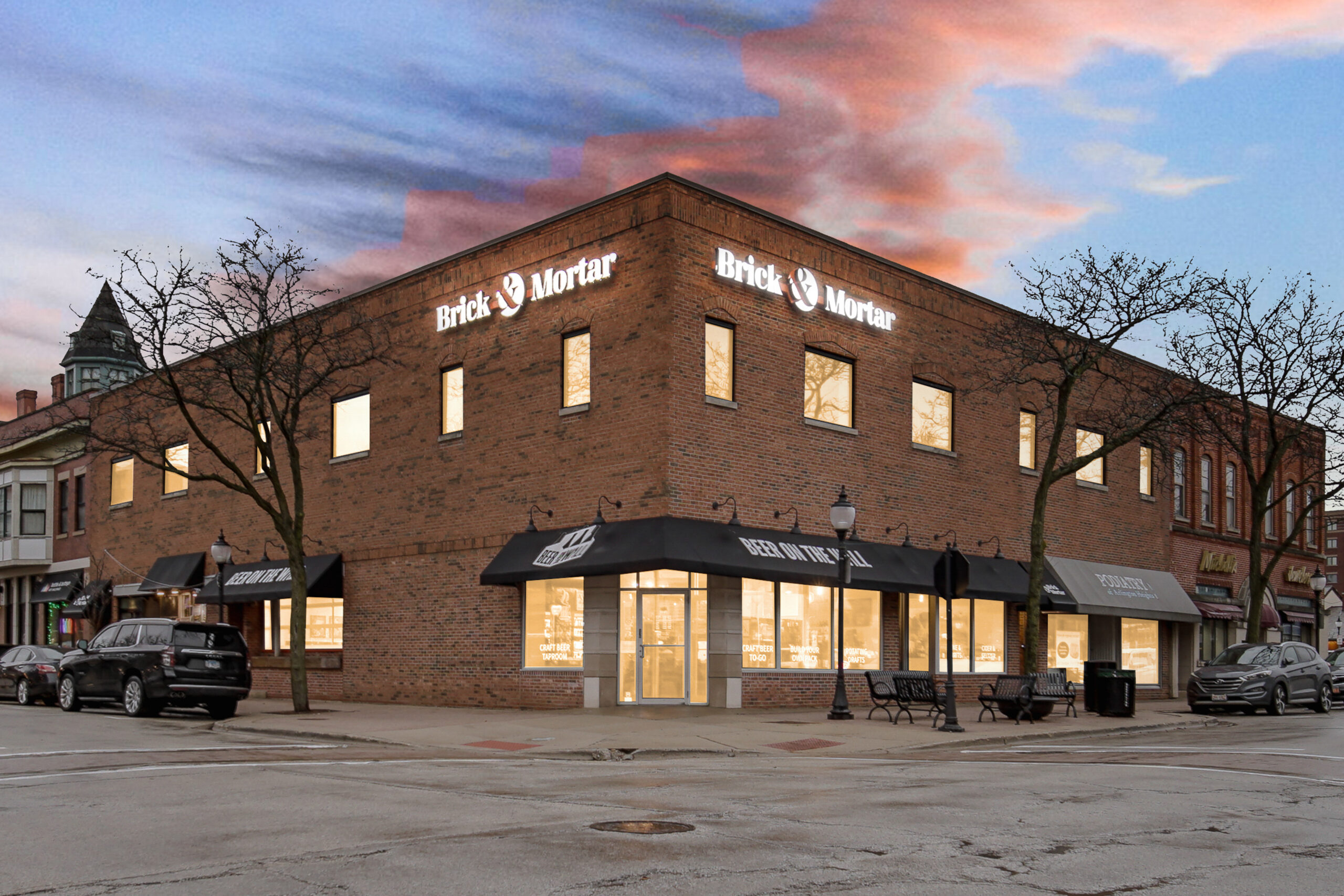
A home office can work if it is quiet and private. Libraries sometimes offer rooms that can be reserved. And if you need more control over the environment, an Hourly Private Office at Brick & Mortar gives you a private professional workspace without requiring a long-term commitment.
Close the door. Set up your laptop. Eliminate distractions. Take a few minutes beforehand to get settled and compose yourself.
Then you’re free to focus on what matters: the conversation in front of you.
2. Test the Technology Before Interview Day
One of the most useful remote interview tips is also one of the easiest to ignore:
Do not wait until five minutes before the interview to test your setup.
Confirm which platform the employer is using. Open it ahead of time. Test your microphone, camera, speakers, and internet connection.
Indeed recommends testing the same video platform you will use during the actual interview and checking your internet connection beforehand. A practice call can also help you catch issues with your camera angle, audio, lighting, or connection before the real conversation begins.
If possible, do a short test call with someone else.
Ask:
- Can you hear me clearly?
- Is the video freezing?
- Is the lighting okay?
- Can you see anything distracting behind me?
It is much easier to adjust your setup when nobody from the hiring team is waiting on the other side of the screen.
3. Pay Attention to What Is Behind You
Your interviewer should be focused on you.
Not the laundry pile.
Not the television.
Not your cat walking through the room.
Harvard recommends choosing a neutral background for virtual interviews, while Indeed advises candidates to use a quiet, private and well-lit space with minimal visual distractions.
You do not need to create a staged office.
Simple is usually better.
Position yourself somewhere clean and uncluttered. Make sure your face is well lit. Put the camera close to eye level instead of pointing it up from the desk.
Then open your camera before the interview and look at what the interviewer will actually see.
Sometimes what feels perfectly normal in person looks much busier once it is inside a video frame.
4. Give Yourself Time Before the Call
Do not go directly from answering emails, unloading groceries, or finishing another meeting into an important interview.
Build in a little space beforehand.
Arrive at your interview location early enough to settle in. Open the meeting link. Pull up your notes. Check your audio again.
Then stop.
Give yourself a few quiet minutes before you join.
This is another reason the interview location matters.
If you reserve an Hourly Private Office, consider giving yourself time before the interview begins rather than booking around the exact meeting time. That extra space lets you review your notes and shift your attention fully to the conversation.
5. Prepare Talking Points, Not a Script
Preparation matters.
Sounding memorized usually does not.
Review the job description and identify the experiences, skills, and accomplishments that are most relevant to the position.
Think through a few specific examples you can use if you are asked about:
- A challenge you solved
- A project you led
- A mistake you learned from
- A difficult client or customer situation
- A time you improved a process
- A measurable result you helped create
For behavioral questions, organizing your examples around the situation, your responsibility, the action you took, and the result can make answers easier to follow.
Keep a few notes nearby, but resist the temptation to write complete responses and read them from the screen.
The goal is to know what you want to talk about without sounding like you are delivering a presentation.
6. Put the Camera Where the Conversation Is
Video calls create an awkward problem.
The person you are speaking with appears on your screen, but your camera is somewhere else.
Looking exclusively at the interviewer’s image can make it appear as though you are looking slightly away from them.
You do not have to stare directly into the camera for the entire interview. That would probably feel stranger.
But when you are answering an important question or making a key point, occasionally looking toward the camera can create a stronger sense of direct engagement.
Harvard’s interview guidance specifically recommends maintaining eye contact rather than spending the conversation monitoring your own image on screen.
And if seeing yourself is distracting, hide your self-view after confirming that your framing looks right.
7. Eliminate the Interruptions You Can Control
Some interruptions happen.
You cannot plan for everything.
But you can remove the obvious ones.
Silence your phone.
Turn off desktop notifications.
Close Slack, Teams, email, and any browser tabs you do not need.
Pause automatic downloads.
Tell anyone nearby that you cannot be interrupted.
Indeed also recommends closing unnecessary applications and tabs before a video interview, both to limit distractions and reduce demands on your internet connection.
The fewer things competing for your attention, the easier it is to stay present.
8. Keep the Essentials Within Reach
Before you join the call, have the basics ready:
- Your resume
- The job description
- A notebook
- A pen
- A glass or bottle of water
- Your questions for the interviewer
- Any notes you want to reference
Keep them close enough that you can reach them without disappearing from the screen or shuffling around the room.
And if there is something important on your resume that you expect to discuss, know where it is before the interview starts.
Preparation should make the conversation easier, not create another distraction.
9. Prepare Questions You Actually Want Answered
An interview is not only about whether the employer likes you.
You are also deciding whether the opportunity makes sense for you.
Prepare a few thoughtful questions about the role, team, company, expectations, or challenges before the interview.
Instead of reaching the end and asking the first question that comes to mind, think about what information would actually help you evaluate the opportunity.
What would success look like during the first six months?
What is the biggest challenge the person entering this role will need to solve?
How does the team typically work together?
Why is the position open?
What does the interview process look like from here?
Good questions can turn the final few minutes into an actual conversation rather than simply signaling that the interview is over.
10. Do Not Let Your Location Become the Hardest Part
There is already enough to think about before an interview.
Your experience.
Your answers.
The company.
Your questions.
Your first impression.
Where you are going to sit should be the easy part.
If your house gives you the privacy, quiet, internet connection, and professional setting you need, use it.
If it does not, do not spend an hour trying to make the wrong environment cooperate.
A neutral professional setting can remove a lot of variables at once.
That is where Brick & Mortar can help.
Our Hourly Private Offices give you a private room, high-speed internet, a professional setting, and somewhere to close the door and focus when you have an important conversation on the calendar.
No long-term office required.
Just book the workspace when you need it.
One Less Thing to Worry About
There is no trick that guarantees a perfect interview.
You might get a question you did not expect.
You might need a second to think.
You might stumble over a sentence.
That is normal.
The purpose of these remote interview tips is not to control every second of the conversation.
It is to control the things you can control before it begins.
Prepare your examples.
Test your technology.
Choose your setting.
Remove the distractions.
Then let the conversation be the conversation.
Need a Private Place for Your Remote Interview?
Book an Hourly Private Office at Brick & Mortar for a quiet, professional setting with high-speed internet and a door you can close while you focus on the conversation.
Need Somewhere to Prepare Before the Interview?
Explore Brick & Mortar workspace options and give yourself time to review your notes, practice your answers, and get focused before you log in.
Need a Professional Workspace More Often?
Explore Brick & Mortar Memberships and Private Offices for flexible workspace when working from home is no longer working for every part of your day.
The interview deserves your attention. Give yourself a setting that lets you give it.
Sources
Harvard FAS Mignone Center for Career Success: Interviewing
Guidance for preparing for virtual and recorded interviews, including privacy, background, internet connection, eye contact, and interview preparation.
Read Harvard’s Interviewing Guide
Indeed: Video Interview Guide
Recommendations for choosing a quiet, private interview location, testing equipment, maintaining a professional background, and preparing materials before a virtual interview.
Read Indeed’s Video Interview Guide
Indeed: How to Test Your Tech for a Video Interview
Guidance on testing internet, audio, camera setup, interview software, and completing a practice call before an interview.
Read Indeed’s Technology Guide