

Easy to use coworking that's as simple to book as an Uber.
In just a few seconds you can have a beautiful office just steps from your home:
- Purchase a day pass, membership or meeting room online
- Check your email for “how-to” notes for your chosen location
- Download the app
- Hold your phone by the reader to access the space
- Enjoy—and repeat as often as you want : )
If you'd like to tour a space before purchasing a pass or membership simply schedule a time and one of our awesome team members will meet you to show you the ropes.
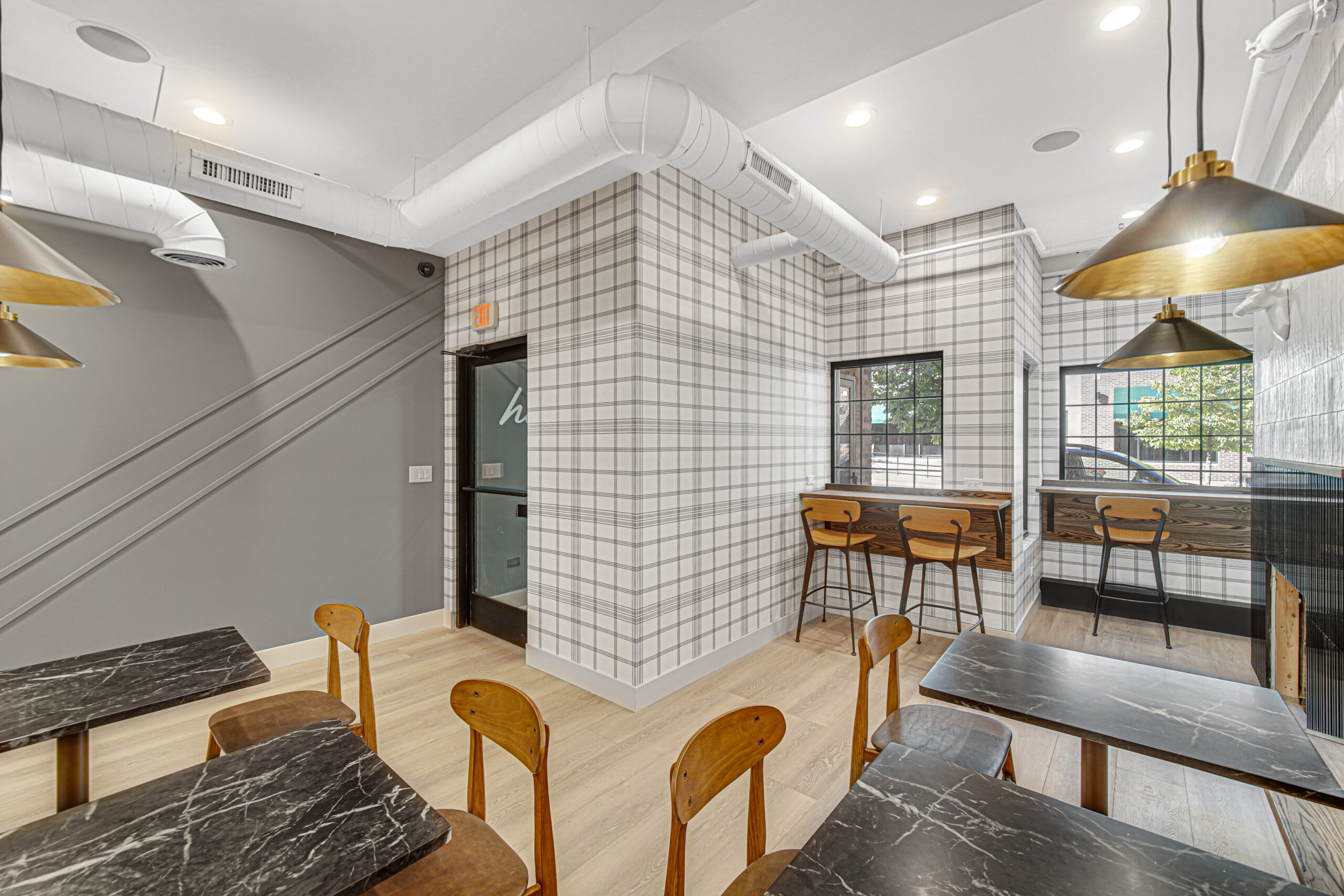
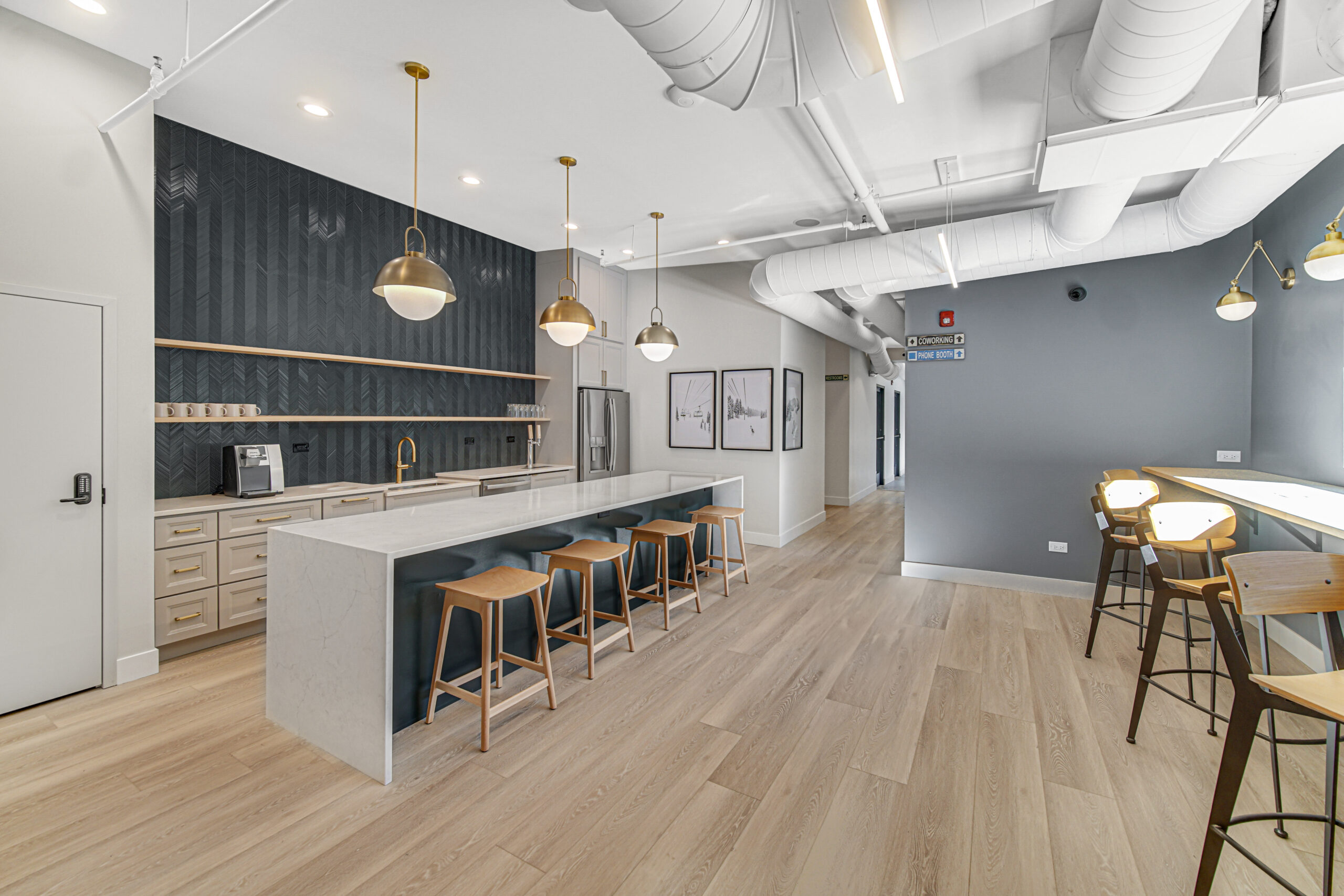
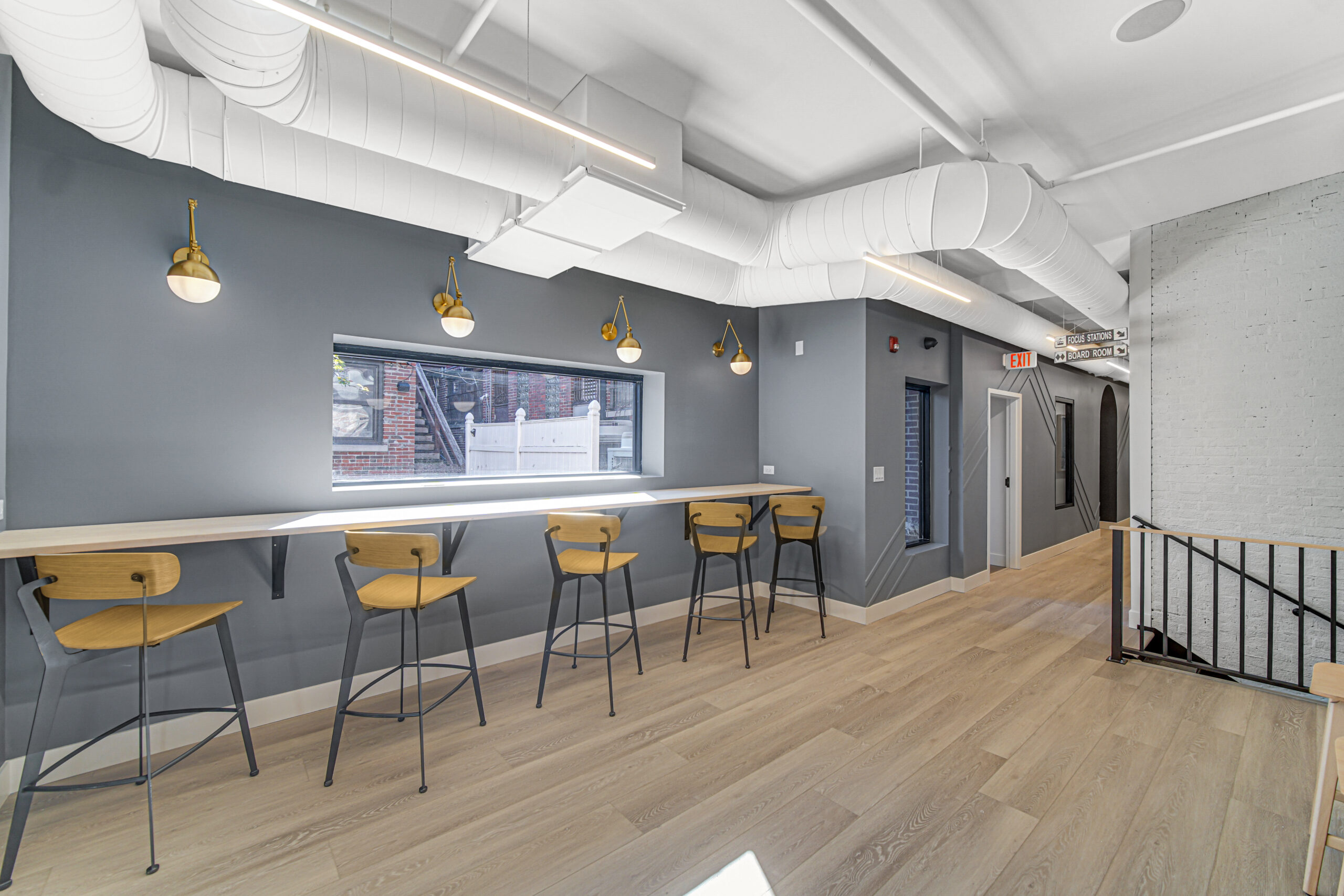
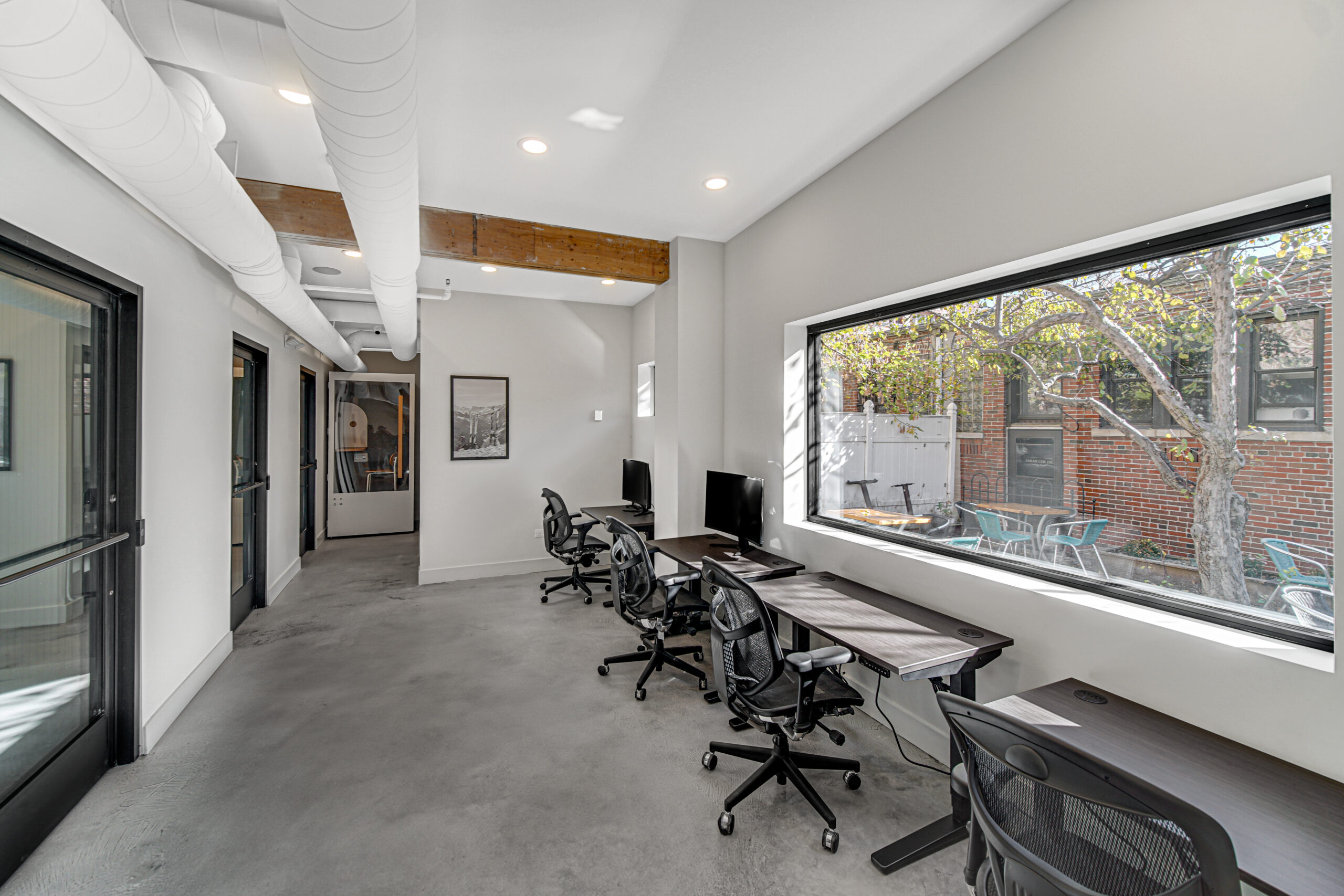
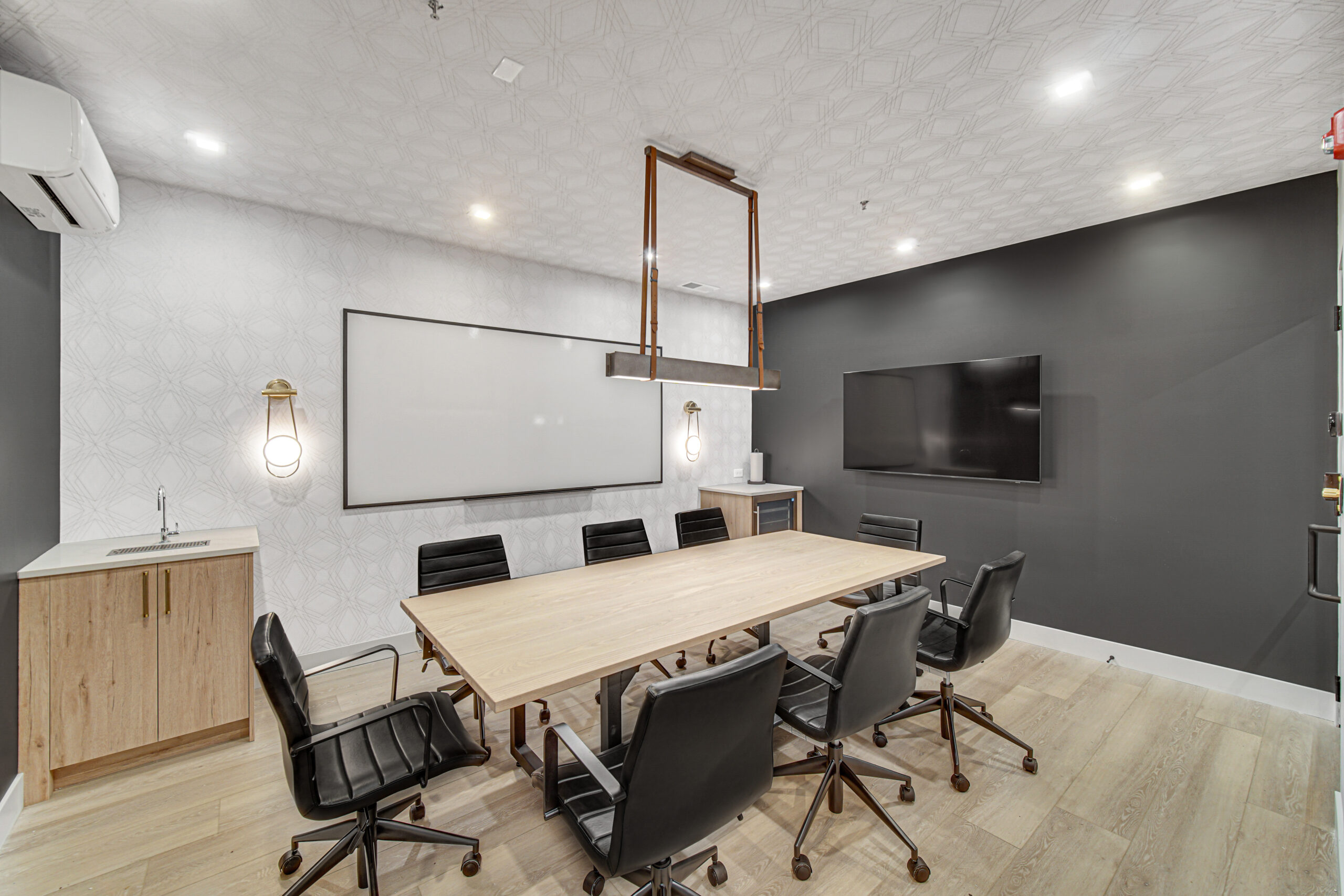
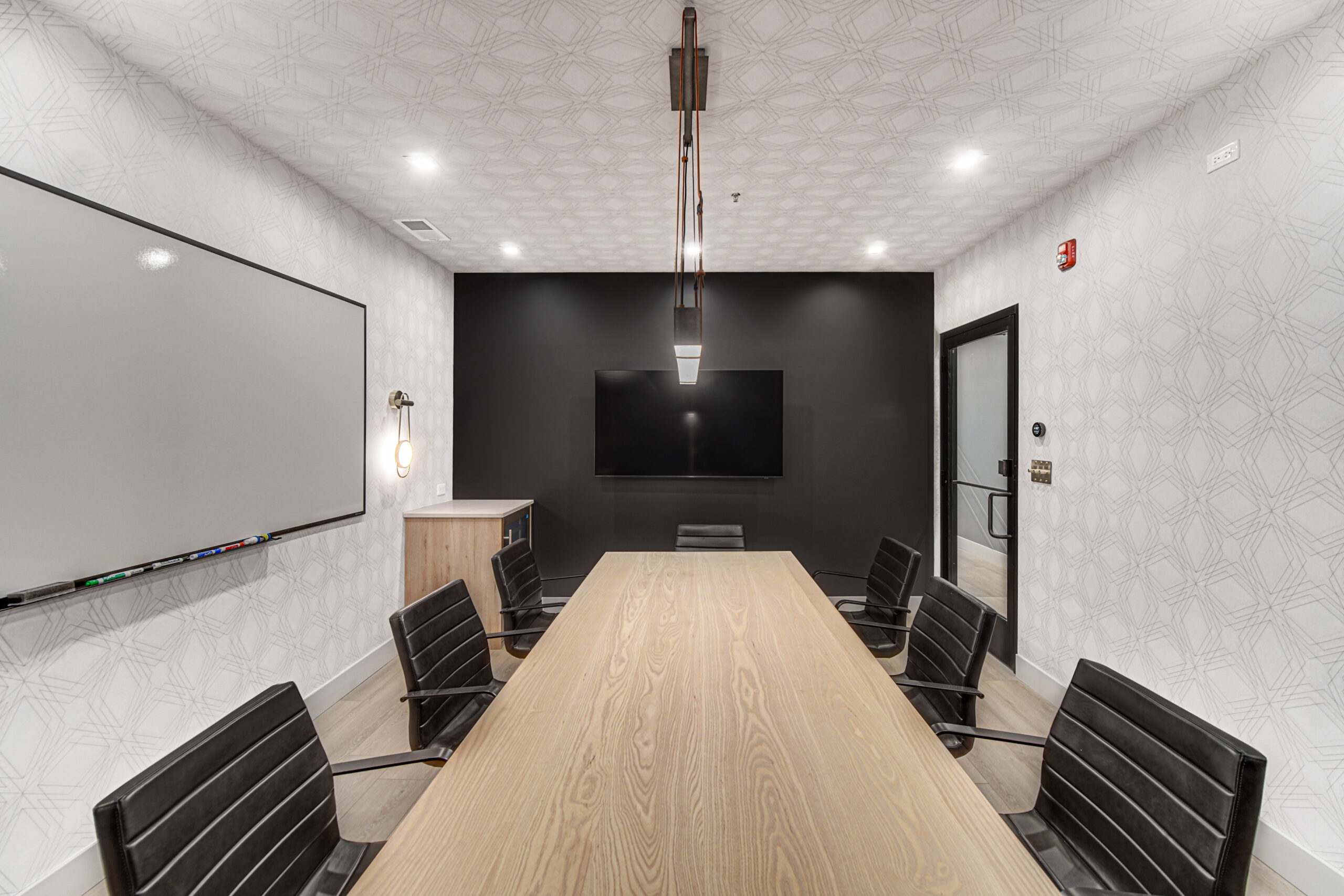
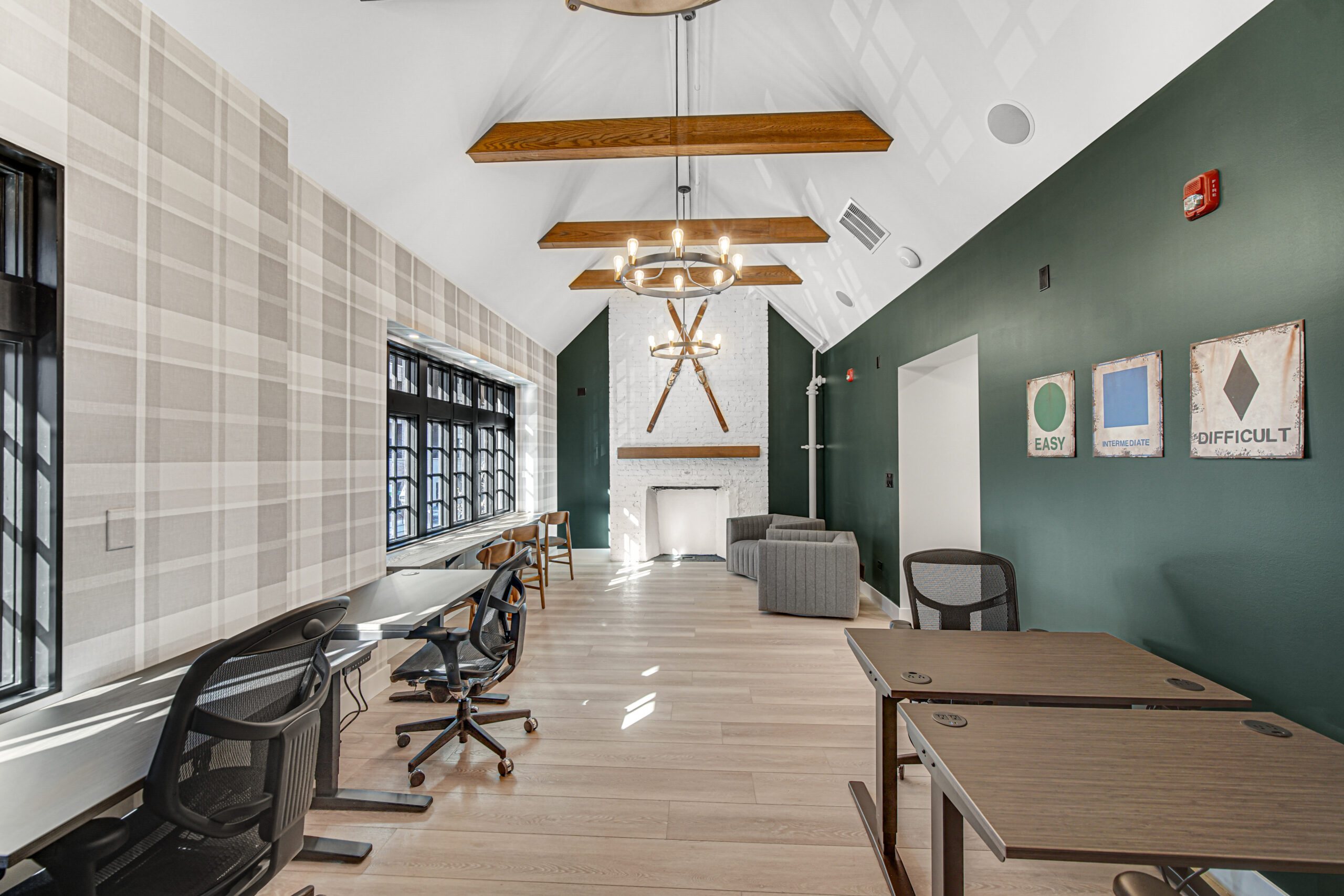
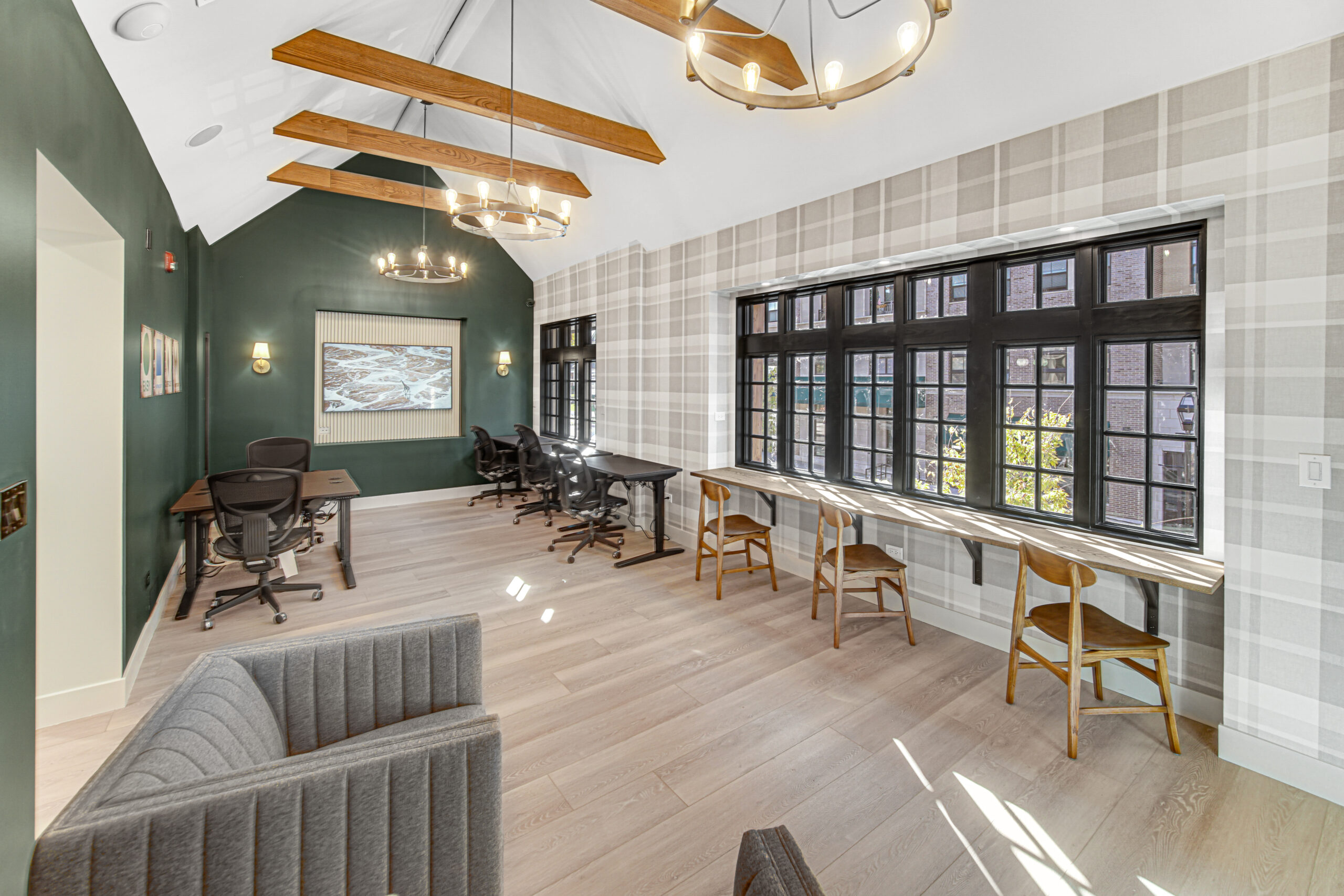
Tired of working from home?
We've got you covered.
Amazing Locations
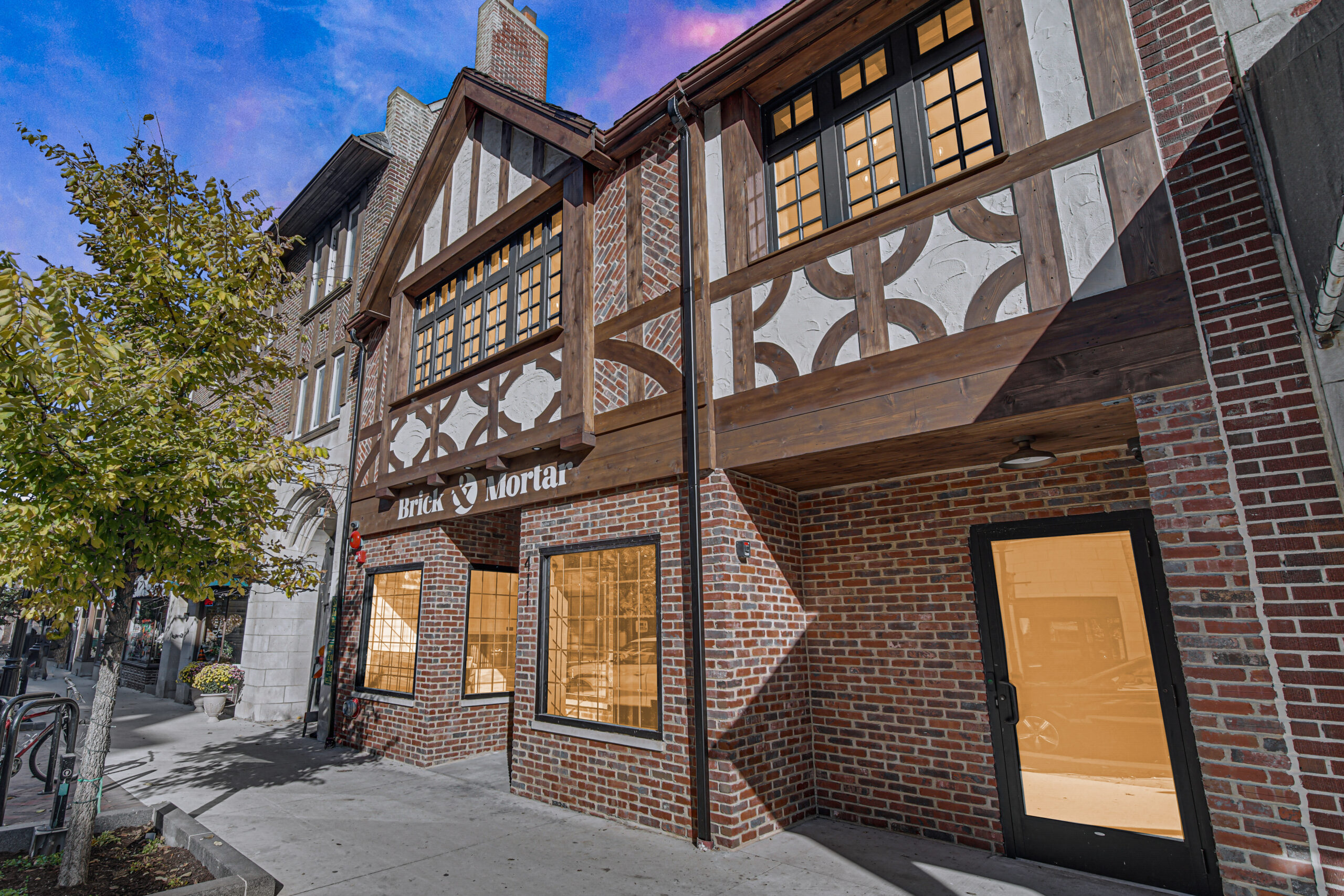
Our locations are carefully selected to be in the heart of vibrant suburbs—steps to restaurants, shopping, and transportation.
High-Speed Fiber Internet
Superfast fiber internet so you can get more work done faster—and make sure you're not the one breaking up on your team's video conference.
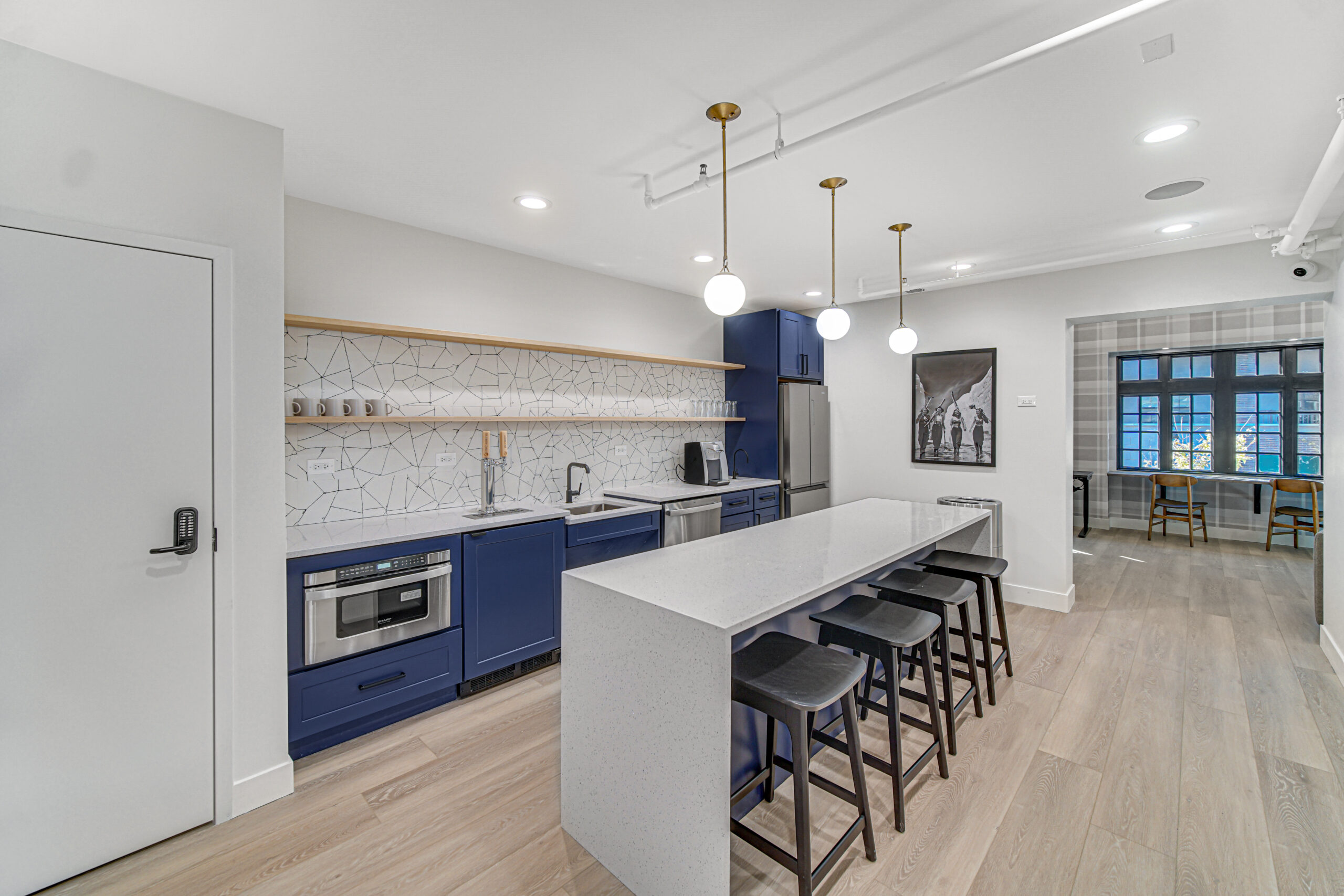
Coffee & Kombucha
We'll keep your brain fueled with endless coffee and kombucha throughout the day.
Sit/Stand Desks
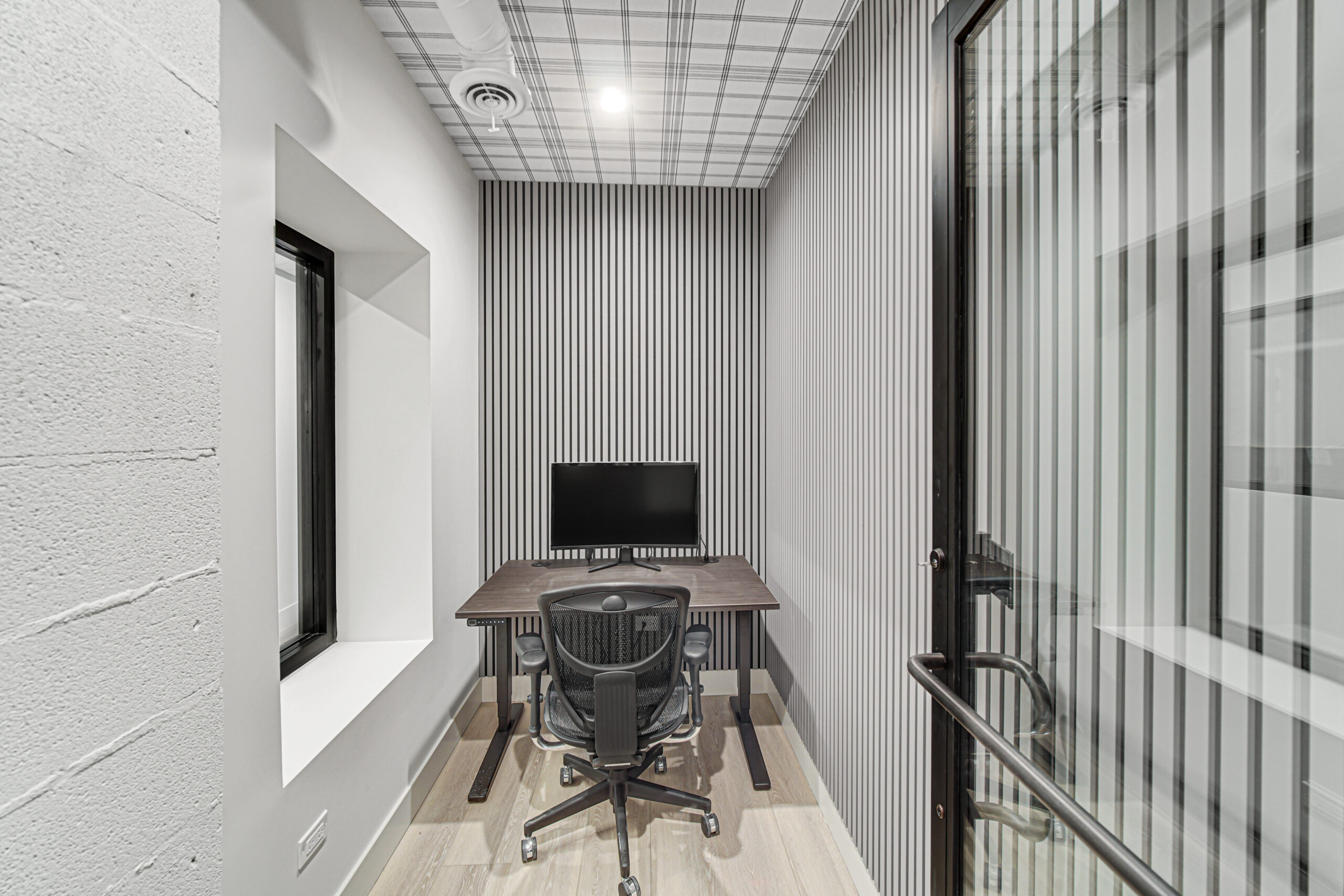
Really want to set up shop but don't need a door that closes? Our memory controlled sit/stand desks are a great fit.
Monthly & Daily Passes
Whether you're looking for a place to work for a day, or want to be a regular fixture in the community, our flexible memberships are here for you.
Business Mailbox
Just looking for a place to pick up your business mail and host a meeting once in a while? Our Business Mailbox membership is just what you need.
Private Offices
Do you need a private space for yourself or your team? We've designed beautiful offices with keyless access control to fit your needs.
State of the Art Conference Rooms
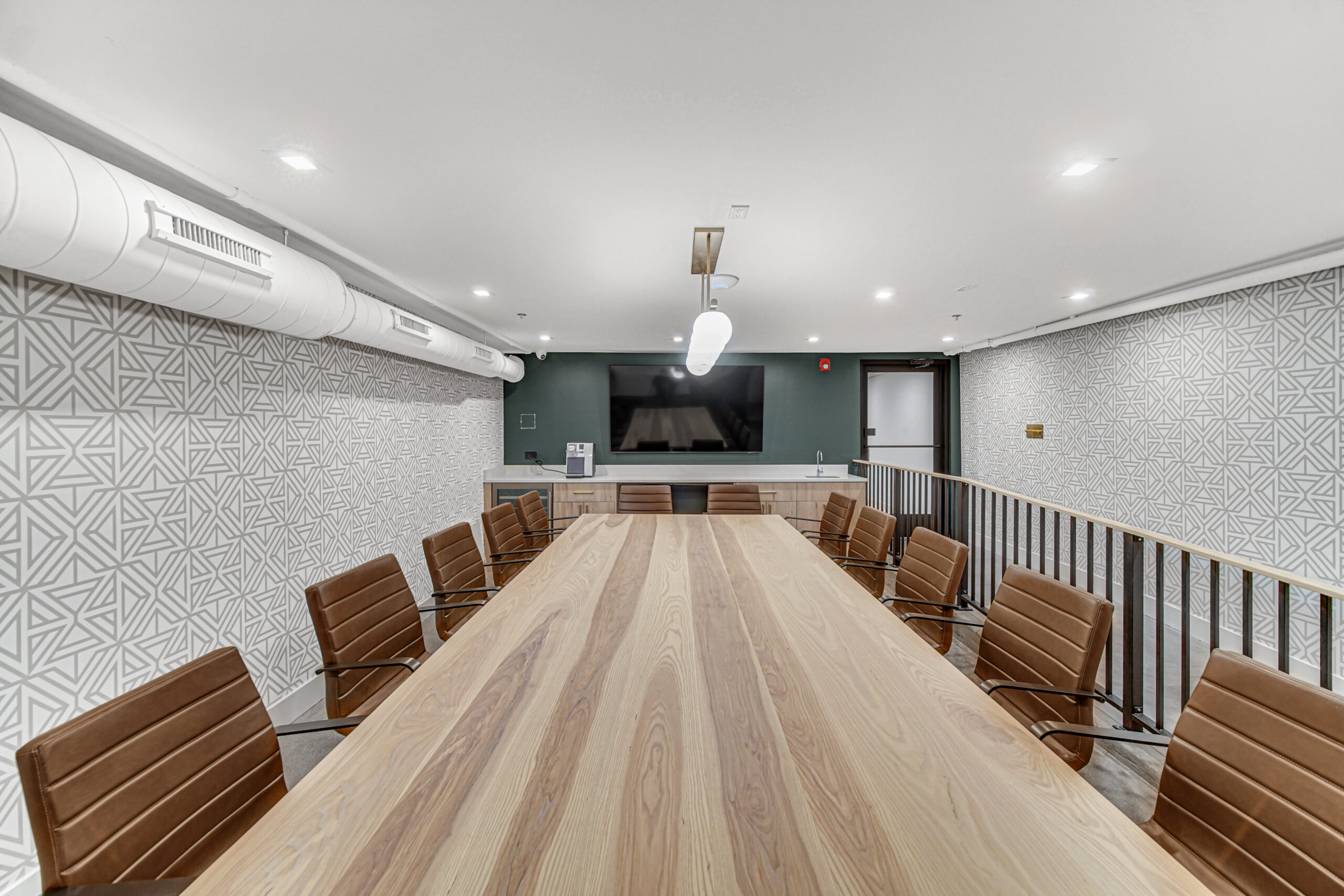
Thoughtfully designed conference rooms with best in class video conferencing and presentation tools.
THOUGHTFULLY DEVELOPED
The perfect blend of design, technology, and work.
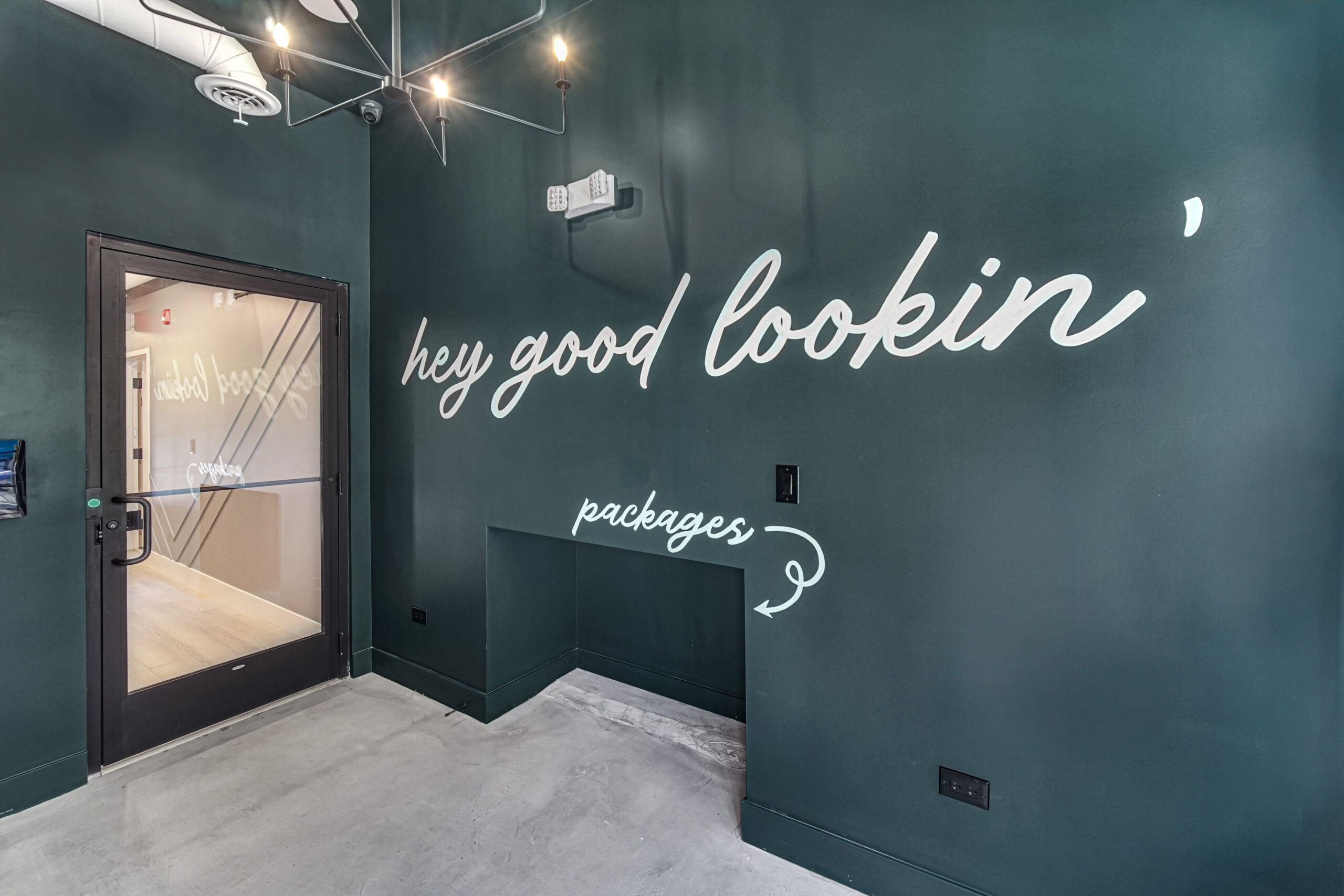
We believe where you work should feel and function like a beautiful piece of software—not like a library. By investing heavily in technology and design, your local Brick & Mortar allows you to access an amazing workspace on demand—as little or as much as you need it.
LOCATIONS
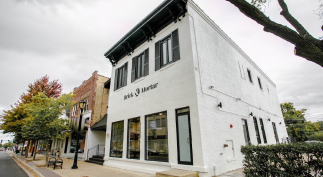
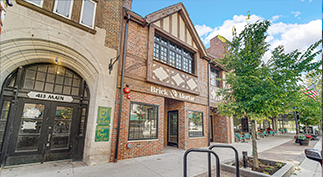
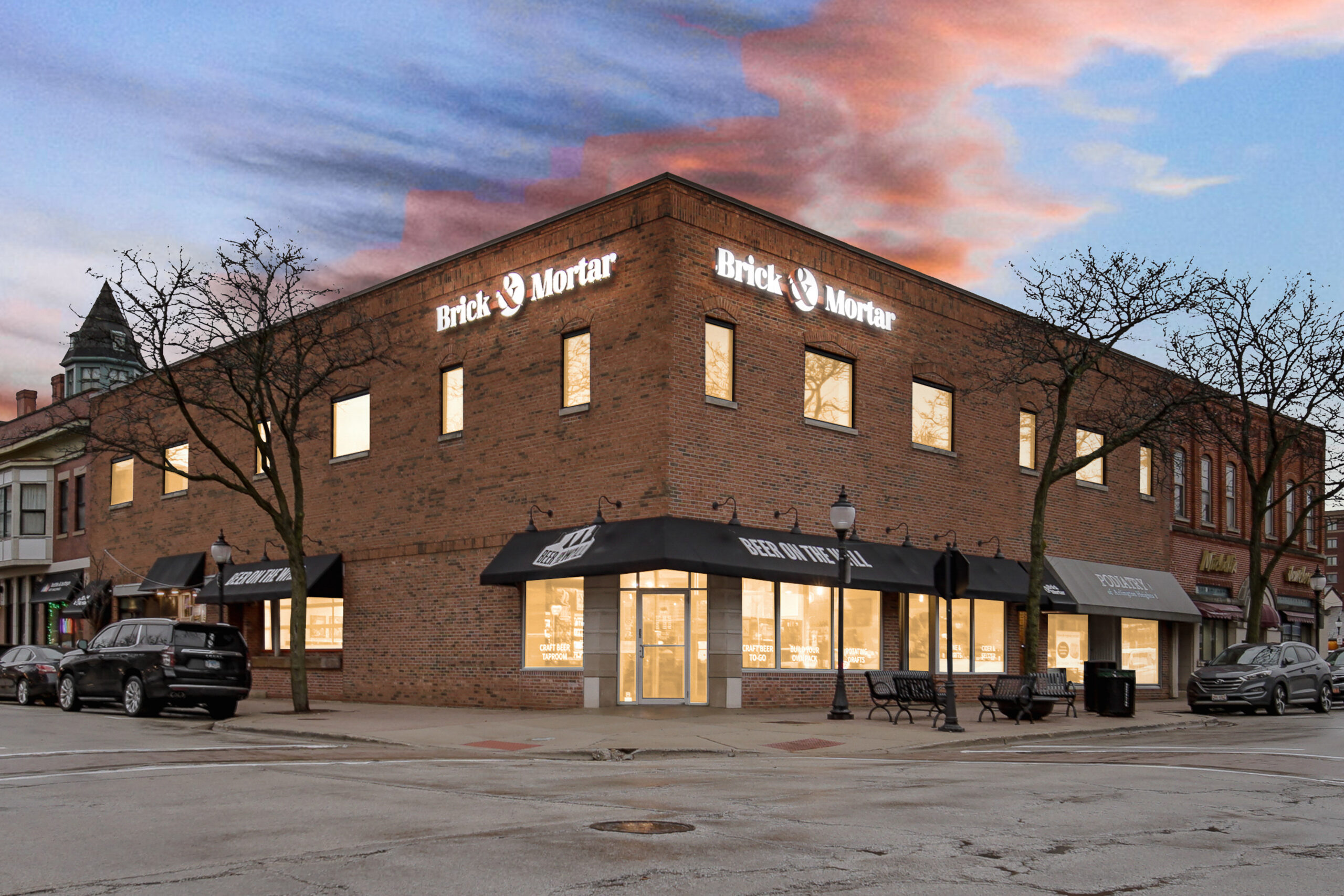
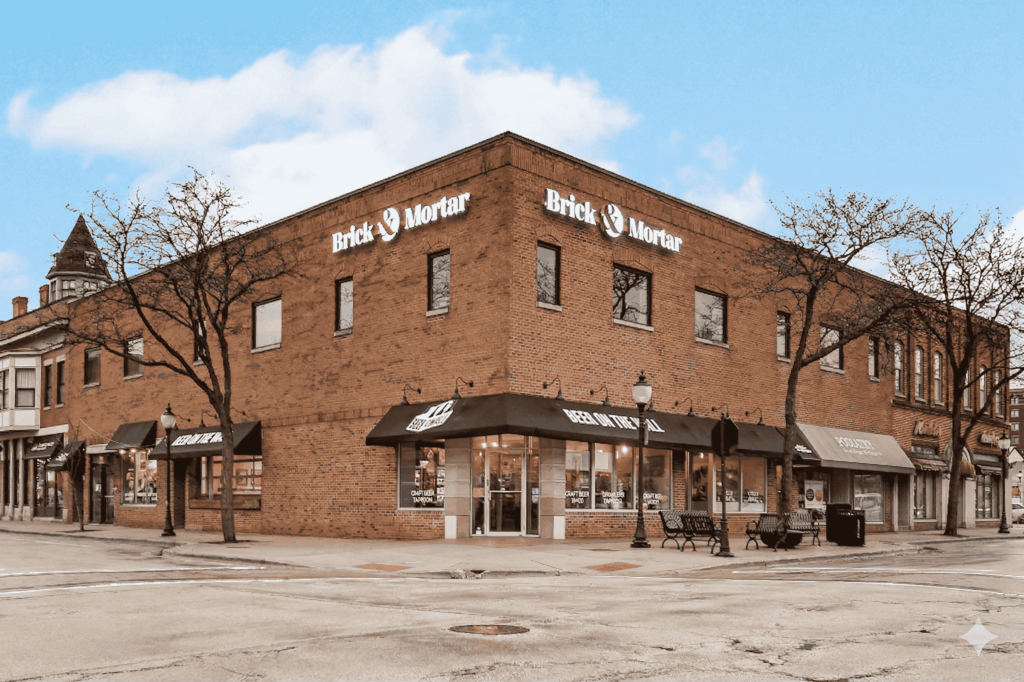
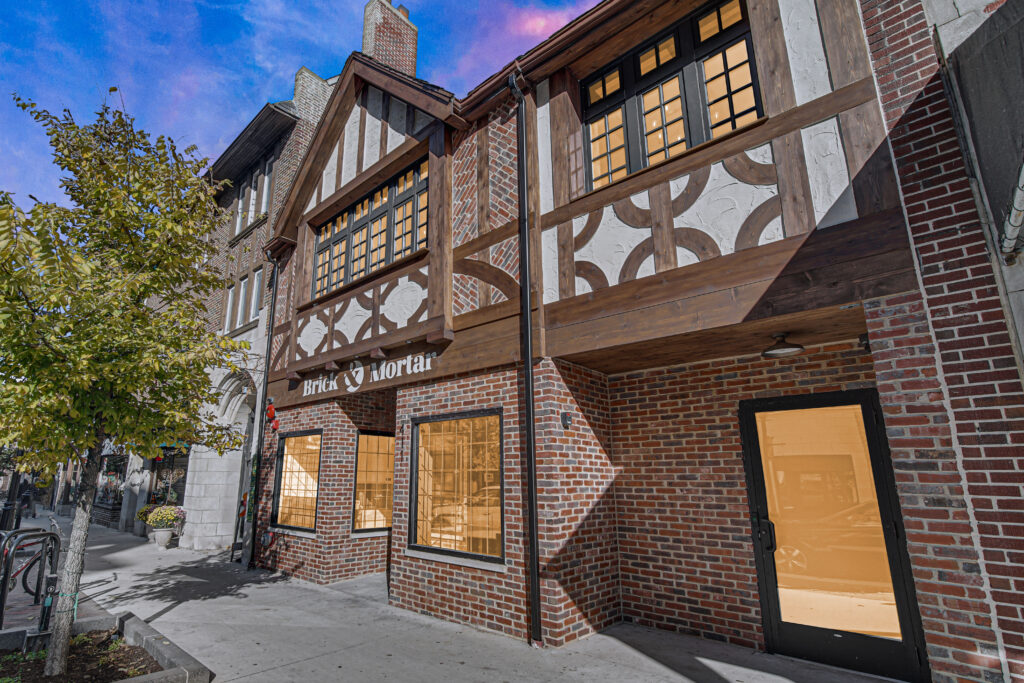
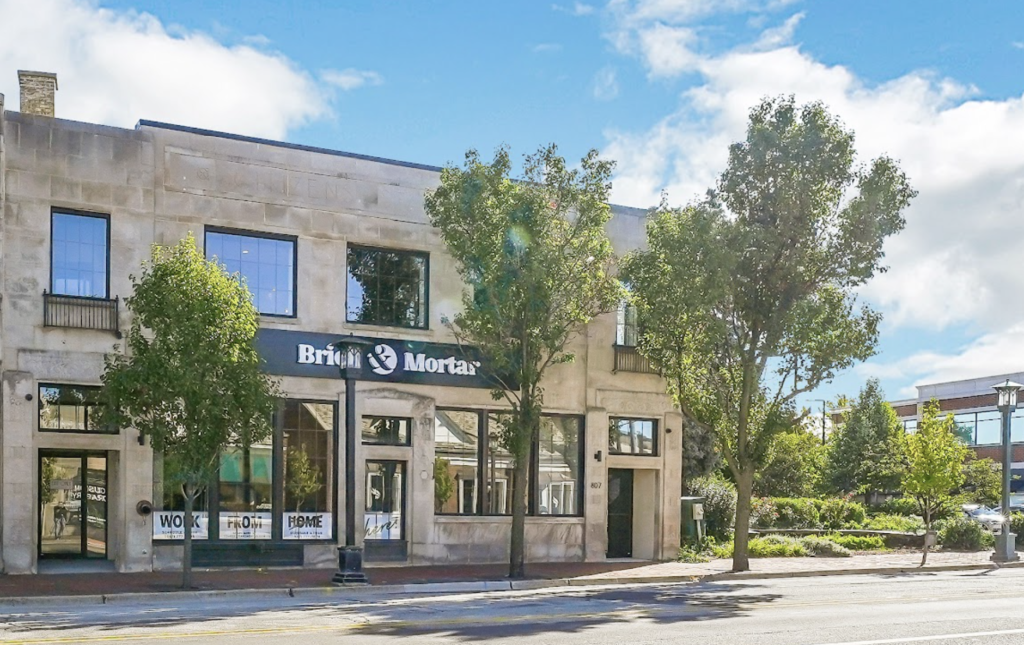
We're bringing stunning shared office space to your neighborhood.


You’ve Got Questions, We’ve Got Answers
What is coworking?
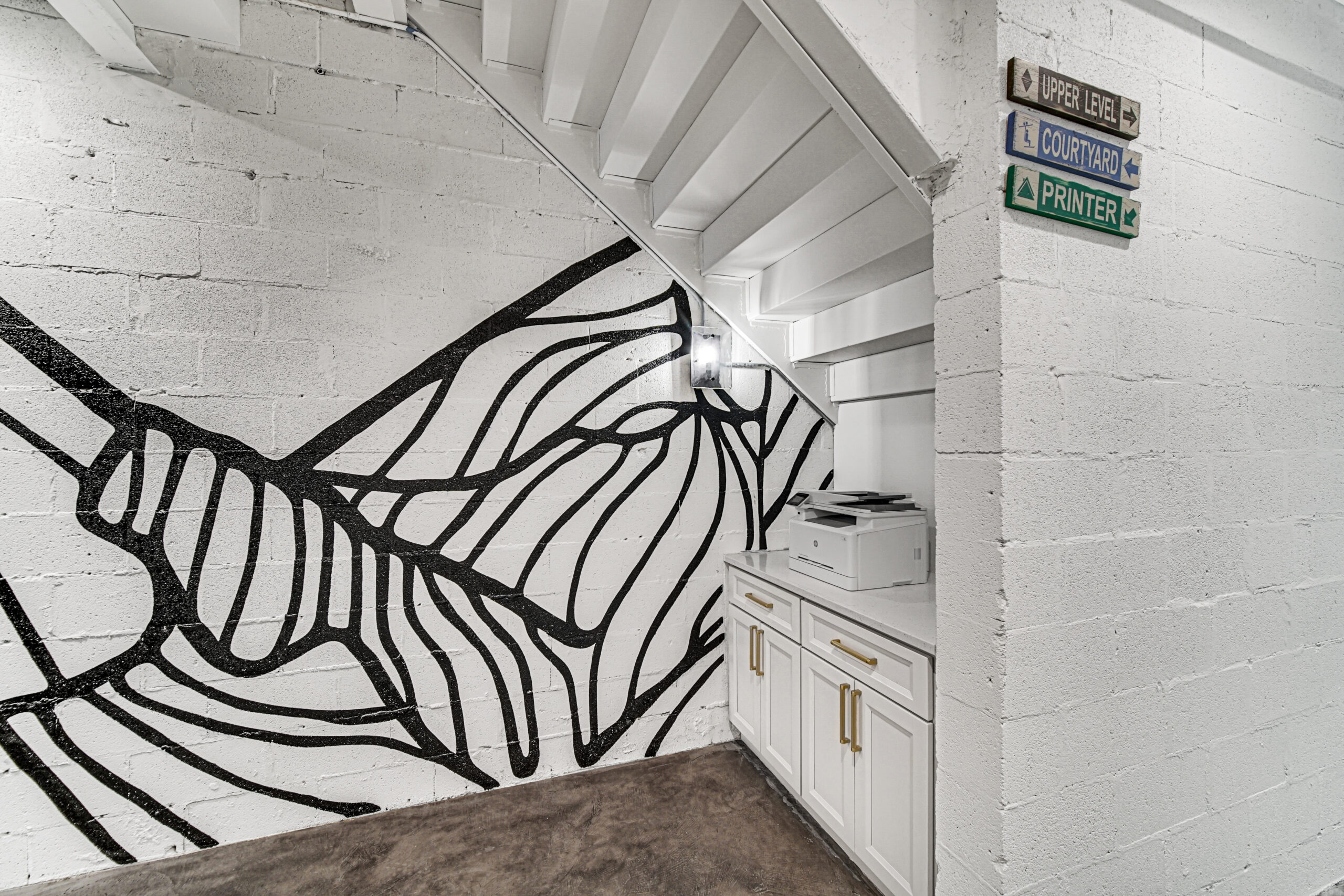
Coworking is an affordable, shared, flexible workspace for individuals or teams who either work from home, remote, are self-employed, or are looking to downsize from a larger office that is no longer needed. It’s really for anyone who needs a professional place to work outside of their home, office, or local coffee shop. We provide all of the amenities of an office setting, including adjustable sit/stand desks, free super-fast wifi and printing, complimentary hot coffee, cold brew, and Kombucha—and of course other awesome people like you to connect and share ideas with. It can also just be a place to meet clients, take Zoom calls, or conduct meetings.
How do I access the space?
It’s super easy! Once you purchase a membership or day pass you’ll receive a couple of emails—one from our team with some “how to” tips, and one from Kisi with a link to download the electronic access app. After you’ve downloaded the app (and turned on your Bluetooth) you simply hold your phone up to the access reader and the door will open for you—like magic : )
Is there someone on-site for help?
Brick & Mortar is designed to feel like a seamless extension of your workday. Thanks to our technology and thoughtful space design, our locations operate smoothly without a team member on-site the majority of the time.
That said, you’re never without support. Our team is always just a tap or call away reach us anytime through your Member Portal or by phone, and we’ll assist right away.
Do Day Passes expire?
They are good for life and can be redeemed at any location. This goes for the Day Pass Bundles too : )
Is my Day Pass good for 24 hours from the time I use it?
Your day pass will provide you access to any of our spaces from the time you first use your app to unlock a door, until 11:59pm that day.
What is a Part-time Membership?
The Part-time Membership is great for anyone who wants to increase their productivity but may only need a workspace a couple days each week. It’s also a perfect starting place for someone who is new to hybrid/work from home and isn’t sure how much time they’ll be needing at Brick & Mortar. This recurring membership gives you 8 Day Passes per month—plus member rates on meeting rooms.
Are memberships prorated upon initial sign-up?
Yes. If your membership begins on any day other than the first of the month, it will be prorated accordingly.
Do I have to have a recurring membership to use your on-demand services (meeting rooms, day passes, etc.)?
Not at all! Our on-demand services are available á la carte–no membership required. Whether you need just one meeting room hour or a single day pass, we invite you to book what best suits your needs, whenever you need it.
What's the protocol for phone calls in the shared space?
Coworking etiquette can be tricky! It’s not just about confidentiality, but also about the feeling that you may be a nuisance to the others or the noise level can be distracting. We get it! However, you can take comfort in knowing that you’re not the only one taking phone calls in a shared workspace. Here are a few tips from our members:
-
- Wear headphones—preferably noise cancelling ones
- If confidentiality is what you’re looking for, there are sound-proof phone booths throughout the space that be can be utilized on a first come first serve basis.
How do I check my booking credit and day pass allowance?
1. Log into your portal
2. Open the Allowance tab to review your available credits and how many you have used.
3. Open the Day Passes tab to review your available Day Passes and their validity period.
What is the parking situation? Is nearby parking available?
Yes! Free public parking is available in the large public garage directly across the street (entrances off Main St. and Hillside Ave).
Can I bring my own food into the space?
Absolutely! Feel free to bring your own snacks or meals, even into meeting rooms—brain fuel is encouraged.
Our cafés are your cafés–stash things in the fridge, grab a knife to share your banana bread, microwave your pasta leftovers for lunch– all we ask is that you leave it like you found it 🙂
What’s different if I’m booking on someone else’s behalf?
Great question! When setting up the booking, please enter the name, email, and cell number of the person who will actually be attending. The email used at signup is where our system automatically sends the unique Kisi link for electronic access.
If you’re not attending the meeting in person but still want to act as your company’s admin, that’s totally fine! Just make the reservation with your own information and add the other attendee(s) as guests.
For security reasons, Kisi access links can’t be forwarded (keeps everyone safe!). But no worries–we are more than happy to help extend electronic access to any of your guests joining the meeting, if helpful. Please just send their contact information to members@yourbrickandmortar.com and we’ll handle the rest!
How can I include guests in my meeting room bookings?
You can add company guests to your meeting room bookings and get them set up to receive Kisi electronic access through your portal by logging into your portal: select “Account” and then select “Bookings.” Click the booking you wish to modify and then click the pencil editing icon. Under the drop down “Guests” you can select any team members already added to your company profile. If they are not yet added to your company profile, continue with making the booking and see the next FAQ below 🙂
If helpful, we are also more than happy to take this off your plate and add any guests on your behalf – simply email members@yourbrickandmortar.com with their full names, emails, and phone numbers, and we’ll take it from there!
If no guests are added, only the person who made the booking will receive Kisi access. In that case, you’ll just need to greet and let your team members into the space as they arrive – either way works, so choose whatever best fits your team’s style!
How can I add a team member to my company profile?
- After logging into your portal, go to Account → Team Members
- Click the “Add Member” button
- Enter their Name, Email, and click “Active” Status
- Click Add to finish
What does tech enabled mean at Brick & Mortar? How difficult is it to set up Kisi for electronic access?
Great question! Being tech-enabled simply means we use smart tools to make your experience smoother, easier, and more flexible. One of the main ways we do this is through Kisi – our digital access platform that turns your phone into your keycard.
With Kisi, you can unlock doors right from your smartphone with a quick tap or wave. It’s part of what keeps our spaces securely open and accessible 24/7, so you can come and go on your own time.
Getting set up is simple: right before your first booking, you’ll get an email from Kisi with a special link to download the app. Follow the quick prompts on your phone (it takes just a minute or two), and after that you’ll have instant access to the space. The best part is that once you’re in, you’re set – no need to set up again, as your Kisi access will automatically work for any future bookings.
If you do ever hit a snag, however, please don’t hesitate to reach out at members@yourbrickandmortar.com or (847) 777-3808 – we’re always eager to support!
What should I do if I plan to arrive before my booked meeting space time?
We’ve built in a little breathing room before your meeting so you don’t have to sprint in right at go-time.
Huddle Rooms & Conference Rooms: Your Kisi access kicks in ~15 minutes before your scheduled start. Keep an eye out for that Kisi email with the download link – setup takes just a minute or two, and then you’re good to go!
Boardrooms & Collab Rooms: For our larger spaces, access starts ~30 minutes early to give you (and your crew) plenty of time to settle in and get set up.
Need an extra cushion? Grab a Day Pass for $35 and enjoy full-day access on the day of your meeting. That means you can roll in early, get Kisi sorted, knock out some last-minute prep, and even stick around afterward to keep the momentum going.
What benefits do I get with a membership?
While any of our à la carte services—such as day passes, day pass bundles, meeting room hours, and daily offices—can be purchased without a membership, recurring Brick & Mortar memberships come with some great added perks.
Members receive:
- Complimentary meeting room hours each month
- 15% off all additional meeting room bookings
- 3 complimentary work booth hours each month (available at Glen Ellyn and Libertyville locations)
- Ability to bring a guest
If you’d like help finding the best fit, reach out to our Head of Member Success, Kate, at kate@yourbrickandmortar.com—she’d be happy to chat through the options in more detail.
What is the guest policy like at Brick & Mortar?
For our on-demand folks (Day Passes and Day Pass Bundles), each person needs their own Day Pass — either one person can purchase multiple passes or everyone can grab their own to receive individual electronic access.
If you’re a recurring coworking member (Part-Time or Unlimited), you’re welcome to bring a Guest included with your membership! Guests are meant to be occasional visitors for a bit of collaboration or networking. If you’re often bringing the same person or they’re a regular coworker, they’ll be a better fit for a Day Pass or a membership of their own.
Have any questions about what works best? We’re always happy to help — reach us at members@yourbrickandmortar.com or (847) 777-3808.
What is the meeting room cancellation policy?
Our standard booking cancellation policy is as follows:
- 72h or more before Booking start → 0% fee
- 72h – 48h before Booking start → 25% fee
- 48h – 24h before Booking start → 50% fee
- 24h or less before Booking start → 75% fee
If you have any questions about how this could apply to your specific situation, don’t hesitate to reach us at members@yourbrickandmortar.com or (847) 777-3808.